
Introduction
Managing inventory with Microsoft Excel may seem like a practical and low-cost solution. In fact, many SMEs in Malaysia start this way. However, as operations grow, Excel often becomes a bottleneck rather than a tool for efficiency.
So, how does Excel compare to Axacute for inventory management and which one actually supports business growth?
Let’s break it down.
Why Many SMEs Still Use Excel for Inventory
To begin with, Excel is familiar and accessible. Most teams already know how to use it, which means there is little to no learning curve. Additionally, it offers flexibility where you can customise sheets based on your workflow.
Because of this, Excel works reasonably well when:
- Inventory volume is low
- Transactions are minimal
- Only one person manages stock
However, once your business scales, these advantages quickly turn into limitations.
The Hidden Problems with Excel Inventory Management
Although Excel appears cost-effective, it introduces risks that are often overlooked.
1. No Real-Time Visibility
Since Excel relies on manual updates, stock levels are rarely accurate in real time. As a result, teams may make decisions based on outdated data.
2. High Risk of Human Error
Even a small mistake such as a wrong formula or missed entry can lead to major discrepancies. Over time, these errors compound and affect operations.
3. Lack of Traceability
Excel cannot track stock movement efficiently. Therefore, identifying where stock went wrong becomes difficult and time-consuming.
4. Poor Collaboration
When multiple users access the same file, version control issues arise. Consequently, teams may work with conflicting data.
5. No Automation
Tasks like stock updates, reporting, and alerts require manual effort. This not only slows down operations but also increases dependency on specific staff.
Real Scenario: When Excel Starts Failing
For example, a small manufacturing company in Johor initially managed inventory using Excel. At first, it worked. However, as order volume increased, stock discrepancies became frequent.
Eventually:
- The team spent hours reconciling stock
- Production delays increased
- Overstock and stockouts happened simultaneously
Clearly, Excel could not keep up with operational complexity.
Axacute vs Excel: Key Differences
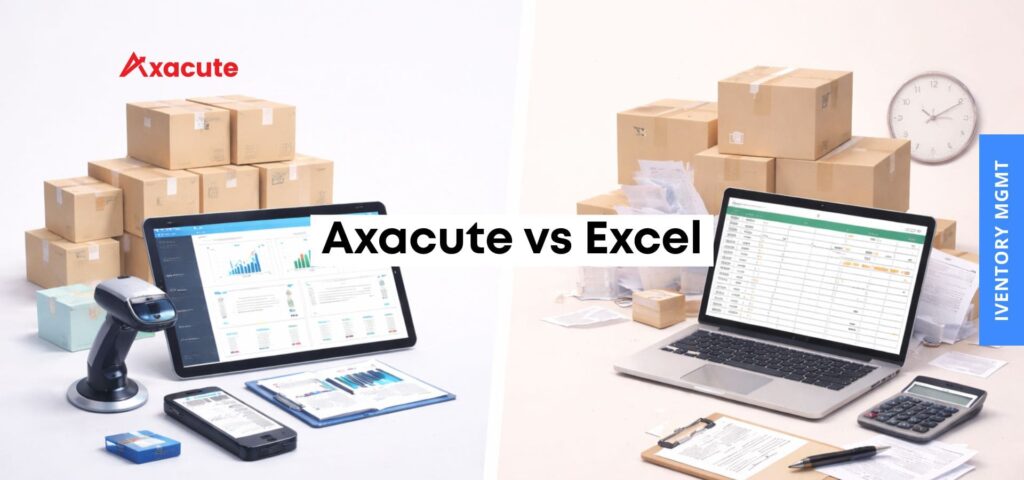
| Feature | Excel | Axacute |
|---|---|---|
| Real-time inventory tracking | ❌ | ✅ |
| Barcode integration | ❌ | ✅ |
| Multi-user access | ⚠️ Limited | ✅ |
| Automation | ❌ | ✅ |
| Stock traceability | ❌ | ✅ |
| Reporting & analytics | ⚠️ Manual | ✅ Real-time |
| Scalability | ❌ | ✅ |
In short, Excel helps you record data, while Axacute helps you run operations.
How Axacute Solves These Challenges
Unlike spreadsheets, Axacute is designed specifically for SMEs that need better control without the complexity of a full ERP system.
Real-Time Inventory Visibility
Axacute updates stock instantly across purchasing, sales, and production. As a result, you always know your exact inventory levels.
Barcode-Driven Accuracy
With barcode scanning, stock movements become faster and more accurate. This significantly reduces human error.
End-to-End Traceability
Every stock movement is recorded. Therefore, you can trace items from inbound to outbound with ease.
Multi-User Collaboration
Teams can access the system simultaneously without version conflicts. This improves coordination across departments.
Automation That Saves Time
Routine tasks such as stock updates and reporting are automated. Consequently, your team can focus on higher-value work.
Measurable Impact for SMEs
Businesses that switch from Excel to Axacute typically experience:
- Up to 30–50% reduction in stock discrepancies
- Significant time savings in stock reconciliation
- Improved production planning and fulfilment accuracy
More importantly, they gain confidence in their data.
When Should You Move Beyond Excel?
You should consider upgrading if:
- Your stock discrepancies are increasing
- You manage inventory across multiple locations
- Your team spends too much time updating spreadsheets
- You are preparing to scale operations
If any of these sound familiar, Excel is no longer enough.
Final Verdict: Excel or Axacute?
Excel is a good starting point. However, it is not built for growing businesses with complex inventory needs.
On the other hand, Axacute provides the structure, visibility, and automation required to scale efficiently without the heavy investment of traditional ERP systems.
Ready to Move Beyond Spreadsheets?
If you are still relying on Excel, now is the time to rethink your approach.
See how Axacute can help you gain full control of your inventory and eliminate costly errors.
For more information, contact us at: enquiry@axacute.com